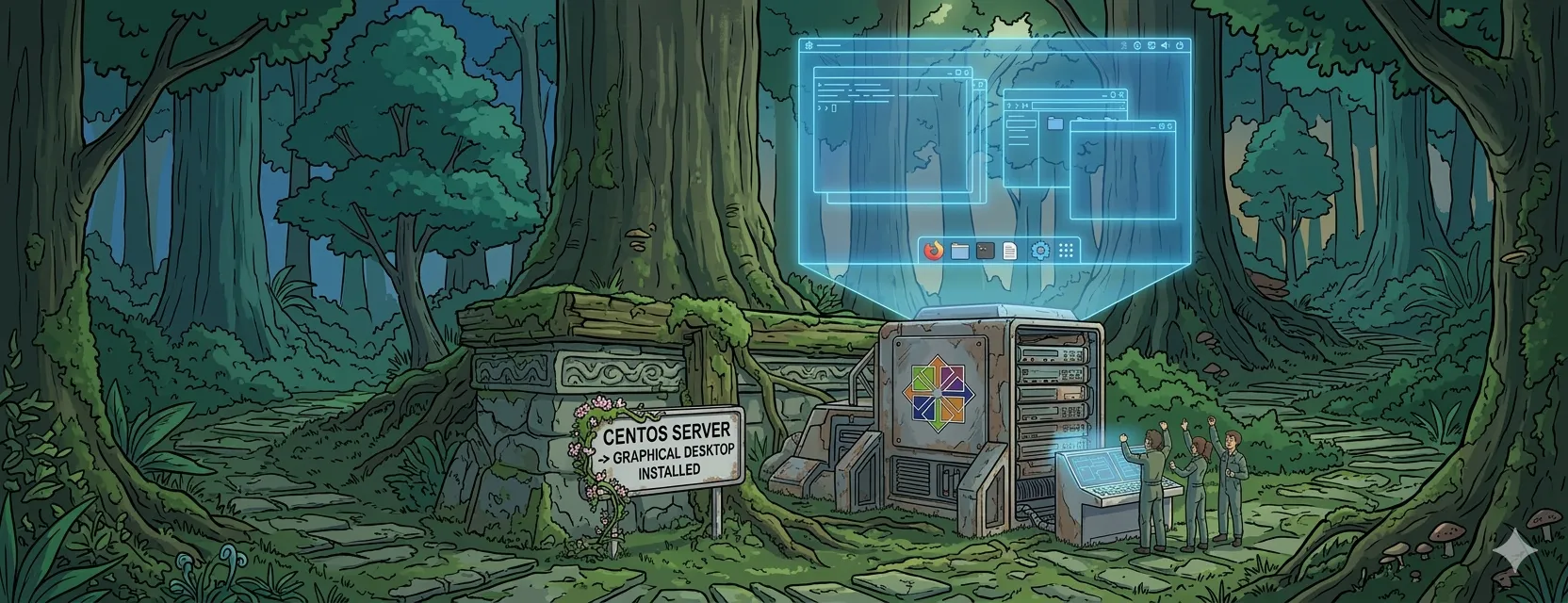

If you have performed a CentOS minimal installation and are wondering how to add a graphical user interface (GUI), follow the steps below.
Step 1: List Available Package Groups
First, verify which environment groups are available for installation by running:
dnf group listThis command will display a comprehensive list of package groups available for your system.
Step 2: Install the Graphical Desktop Group
To install the official “Server with GUI” environment, execute the following command:
dnf groupinstall "Server with GUI"Note: This process may take several minutes as the system downloads and installs the necessary desktop components.
Step 3: Set the Default Boot Target
By default, CentOS will still boot into the command line. To ensure the system boots into the graphical interface automatically, run:
systemctl set-default graphical.targetIf you prefer to keep the command line as your default and start the desktop manually, you can skip this step.
Step 4: Reboot Your System
Finally, restart your server to apply the changes:
rebootOnce the system reloads, you will be greeted by the graphical login screen.