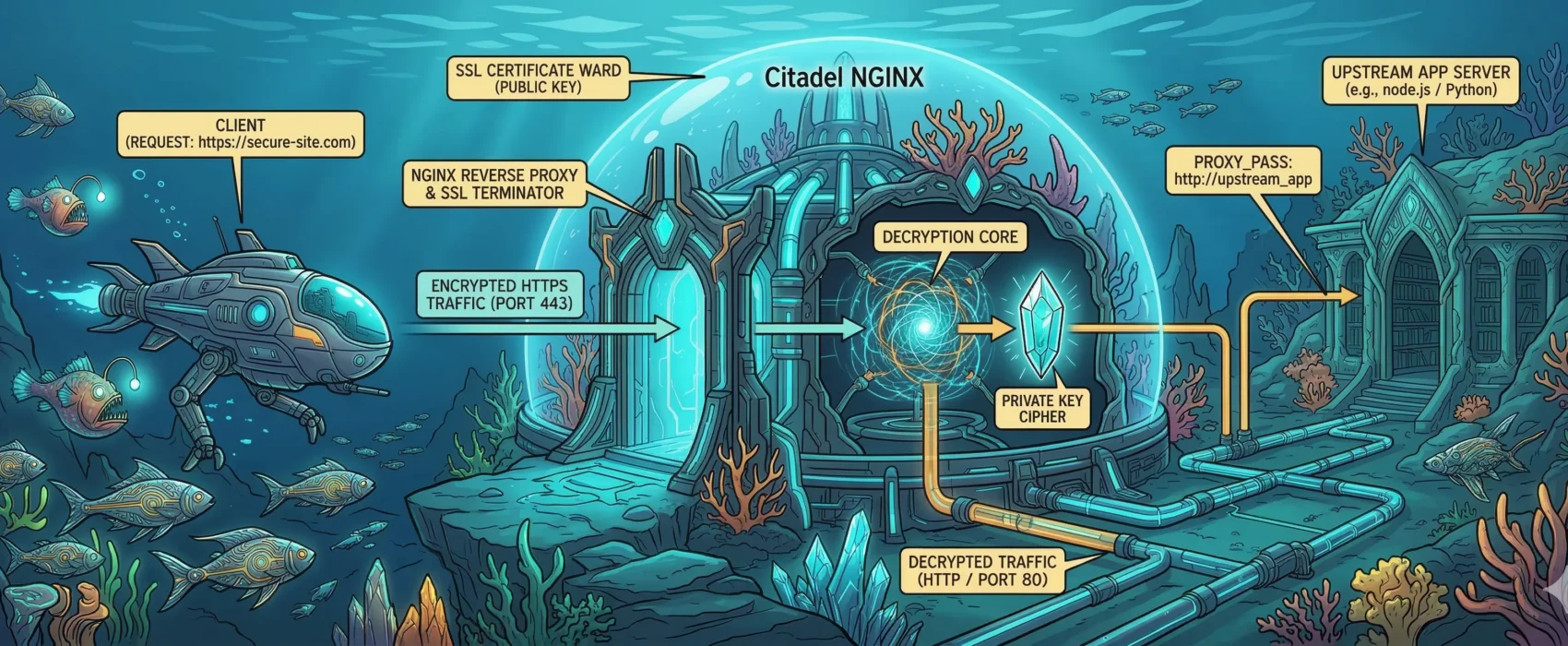

Table of Contents
This post serves as a personal reminder and a guide for others on how to configure an Nginx virtual host with SSL support that achieves an A+ rating and an exceptional security score.
You can test your own site’s security at SSL Labs.
Global Configuration: nginx.conf
This global setup ensures high-performance TLS settings and correctly handles real IP addresses from Cloudflare and Podman.
user  nginx;
worker_processes  auto;
error_log  /var/log/nginx/error.log notice;
pid        /run/nginx.pid;

events {
    worker_connections  1024;
}

http {
    server_tokens off; # Security: Hide Nginx version
    include       /etc/nginx/mime.types;
    default_type  application/octet-stream;

    sendfile        on;
    keepalive_timeout  65;

    # === TLS GLOBAL SETTINGS ===
    # Disable old protocols (TLS 1.0, 1.1)
    ssl_protocols TLSv1.2 TLSv1.3;
    ssl_ecdh_curve X25519:prime256v1:secp384r1;

    # Strong Cipher Suite
    ssl_ciphers ECDHE-ECDSA-AES128-GCM-SHA256:ECDHE-RSA-AES128-GCM-SHA256:ECDHE-ECDSA-AES256-GCM-SHA384:ECDHE-RSA-AES256-GCM-SHA384:ECDHE-ECDSA-CHACHA20-POLY1305:ECDHE-RSA-CHACHA20-POLY1305:DHE-RSA-AES128-GCM-SHA256:DHE-RSA-AES256-GCM-SHA384:DHE-RSA-CHACHA20-POLY1305;

    ssl_prefer_server_ciphers off; # Let the client choose best available cipher

    ssl_session_timeout 1d;
    ssl_session_cache shared:MozSSL:10m;
    ssl_session_tickets off;

    # Diffie-Hellman Parameters (Generate with: openssl dhparam -out dhparam.pem 4096)
    ssl_dhparam /etc/letsencrypt/dhparam.pem;

    # OCSP Stapling
    ssl_stapling on;
    ssl_stapling_verify on;

    # Secure Resolvers
    resolver 185.222.222.222 45.11.45.11 [2a09::] [2a11::] valid=300s;
    resolver_timeout 5s;

    # Podman Real IP Headers
    set_real_ip_from 10.43.0.0/24;
    real_ip_header    X-Forwarded-For;
    real_ip_recursive on;

    include /etc/nginx/conf.d/*.conf;
}
Virtual Host Configuration (e.g., WordPress)
# Redirect HTTP to HTTPS
server {
    listen 80;
    listen [::]:80;
    server_name example.com www.example.com;

    # Allow ACME challenge for Let's Encrypt
    location /.well-known/acme-challenge/ {
        proxy_pass http://host.containers.internal:8080;
        proxy_set_header Host $host;
    }

    location / {
        return 301 https://example.com$request_uri;
    }
}

# Redirect www to non-www (HTTPS)
server {
    listen 443 ssl;
    listen [::]:443 ssl;
    server_name www.example.com;

    ssl_certificate /etc/letsencrypt/live/example.com/fullchain.pem;
    ssl_certificate_key /etc/letsencrypt/live/example.com/privkey.pem;

    return 301 https://example.com$request_uri;
}

# Primary HTTPS Server
server {
    listen 443 ssl;
    listen [::]:443 ssl;
    http2 on;
    server_name example.com;

    ssl_certificate /etc/letsencrypt/live/example.com/fullchain.pem;
    ssl_certificate_key /etc/letsencrypt/live/example.com/privkey.pem;
    ssl_trusted_certificate /etc/letsencrypt/live/example.com/fullchain.pem;

    # Security Headers
    add_header Strict-Transport-Security "max-age=31536000; includeSubDomains; preload" always;
    add_header X-Frame-Options DENY;
    add_header X-Content-Type-Options nosniff;

    location / {
        proxy_pass http://xxx_app:80;
        proxy_set_header Host $host;
        proxy_set_header X-Real-IP $remote_addr;
        proxy_set_header X-Forwarded-For $proxy_add_x_forwarded_for;
        proxy_set_header X-Forwarded-Proto $scheme;

        proxy_connect_timeout 90;
        proxy_send_timeout 90;
        proxy_read_timeout 90;
        proxy_buffers 32 4k;
        client_max_body_size 64M;
    }
}